The VPN you
never turn off.
Banks, government portals and marketplaces go straight through your provider and keep working. Everything else rides an encrypted channel on our own protocol.


Our own encryption
for special zones.
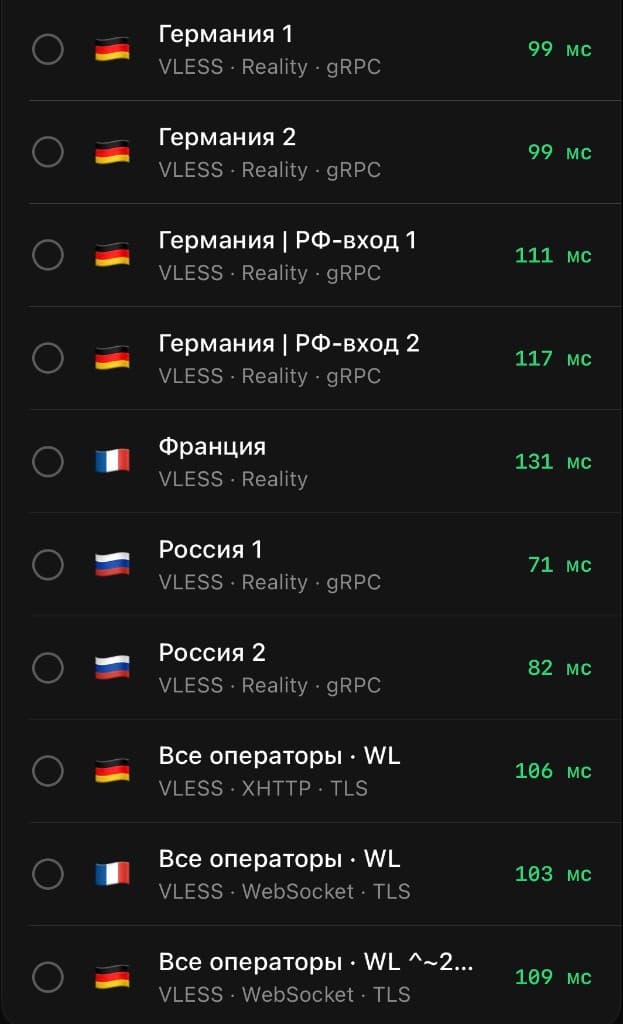
Some networks filter traffic especially hard — mobile carriers, certain regions and venues. For these special zones we use our own encryption: the channel is camouflaged and fragmented so it stays online where ordinary protocols give up.
- The Wrab protocol — engineered for the most demanding networks.
- The client detects a special zone by the server's label and switches automatically.
- Traffic is disguised as ordinary — no toggles, no manual setup.
Local services keep working as usual.
Wrab doesn't push all your traffic through itself. Banks, government portals and marketplaces go straight through your provider — even with the VPN on. Everything else rides the encrypted channel.
Local services
Go straight through your provider
The rest of the internet
Rides the protected channel
Questions.
How is Wrab different from other VPNs?
The key difference is routing. Most VPNs send ALL your traffic through their channel, so banks demand extra confirmation, marketplaces throw captchas, and government services refuse to log you in. Wrab splits traffic by address: local services go through your provider just like without the VPN, everything else goes through the encrypted channel. That's why everything works at the same time — and you never need to turn the VPN off.
What apps can I use it in?
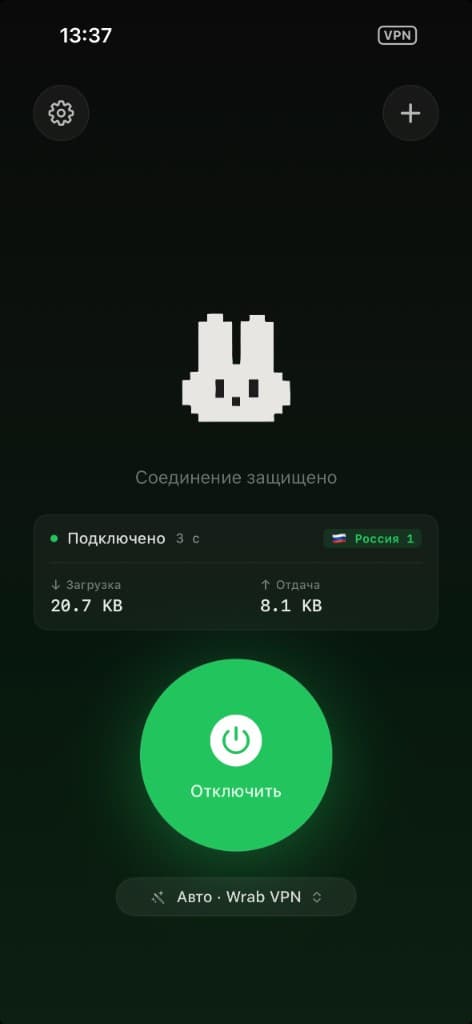
In compatible clients — Wrabbit Proxy (iPhone and Mac) and happ (iPhone, Android, Windows, macOS, TV). You add your access in one tap — with a link or QR code from your dashboard. One subscription works across all your devices.
What are the two connection modes?
You get a choice: the Wrab protocol (we designed it ourselves for modern networks — it keeps the connection alive in the most demanding conditions) and a classic mode (a proven international standard, best for ordinary networks). By default it runs on “Auto” — the app picks the working option for you. You can switch it manually in settings.
Banks, marketplaces, local services — will they slow down or ask for a captcha?
No. They don't go through Wrab — they work just like without the app. That's the main difference.
What if the network is unusual? Office, hotel, airport.
It usually works. If “Auto” didn't connect on a given network — try switching the mode manually. On a few networks with very strict filtering the connection may not establish — try another network.
What do you store?
Email, payment history, and your device's public key — that's what's needed to run the service. Where you go, when, and how much — we don't log it and have no technical way to decrypt it.
Refunds?
The trial day is free — that's the test itself, nothing to refund. For monthly or 3-month access: if it doesn't work, we refund the unused part pro-rata. Just message @wrab_bot.
Android, Mac, Windows?
Yes. Your access works on iPhone, Mac, Android, Windows and TV. On iPhone and Mac — the Wrabbit Proxy app; on other platforms — the compatible happ. One subscription covers all your devices.
What if I stop paying?
A 7-day grace period: the channel stops working but your account is kept. After that — we delete it.
Try it today —
free.
No auto-renewals, no card on file, no gotchas. Don't like it — delete it and forget it.